


UFW – Uncomplicated Firewall
This article emphasizes the importance of securing Raspberry Pi devices running Linux with basic firewall controls, especially for devices connected to the internet. It guides novice users through steps to install and configure the Uncomplicated Firewall (ufw), including enabling, allowing, and deleting rules, as well as monitoring logs for troubleshooting. Various commands and a basic script are also provided for reference.

Using AGK on Raspberry Pi
Have a RaspberryPi 4 and want to develop games using a BASIC like language? App Game Kit maybe the answer you're looking for, however you'll need to build a Pi4 Player to make this work. We'll take you step by step into making this work!

Ground Control to Major Tom – Part 3 – Dashboard
Following on from my Ground Control to Major Tom project, I offer a simple Dashboard using a two line LCD Display and some cheap components to show in real-time what's happening with your flight receiver. If you want to know more, check out this article to build your own.
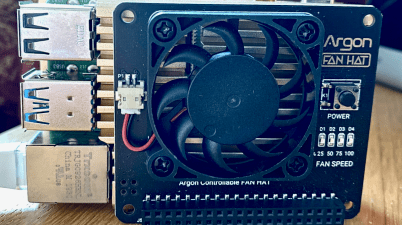
Argon Fan Hat – GPIO Pins Used
Have you incorporated the awesome Argon40 Fan Hat into your Pi Solution and need to know which GPIO Pins are used to avoid clashes with your own projects? Then look no further, as the answers a click away!
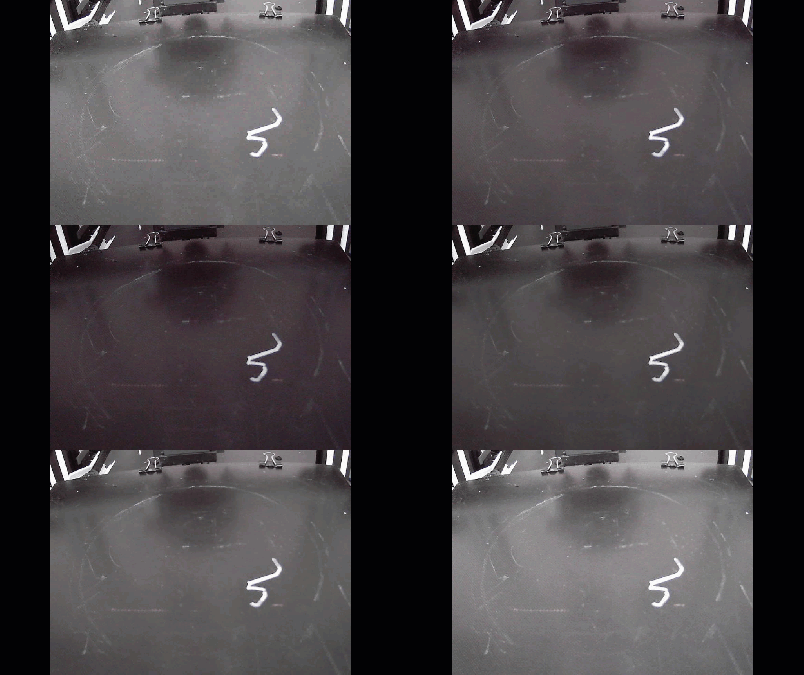
OctoPrint USB Camera Config and Camera Pulsing Fix
Warning, contains flashing images. Have you found that your USB Camera connected to OctoPrint is pulsing or flashing? This is due to auto-exposure not having additional contrast points to work out the optimal value. In this article I'll demonstrate a fix that worked for me.
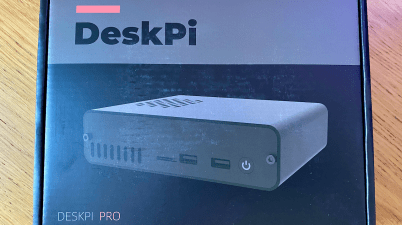
DeskPi Pro (Fail)
The DeskPi Pro offers more than just a case and cooling solution for Raspberry Pi Fans. It's such a shame the Initial release was dogged with faulty daughter boards.

Pharos/Microsoft GPS on Raspberry Pi
The Linux community do more for Digital preservation than big corporations and original equipment manufacturers. They keep obsolete hardware a purpose in life once again, and today's article is my experience of connecting a legacy Microsoft GPS Receiver to the Pi and how to do it.
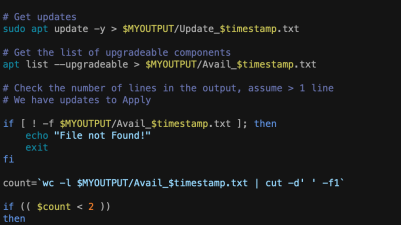
Auto Update Your Raspberry Pi
Need to ensure your Raspberry Pi is patched and up-to-date? This article shows you how to add an auto-schedule script to check and upgrade your pi unattended.

Ground Control to Major Tom – Part 1 – Internal
Have you ever thought about the aircraft that's flying overhead and wondered what it is and where it's going? Well wonder no more in this simple Raspberry Pi project implementing the FlightAware project!
 www.muckypaws.com